A Backup Plan for Regular People: The 3-2-1 Rule, Set Up in an Hour
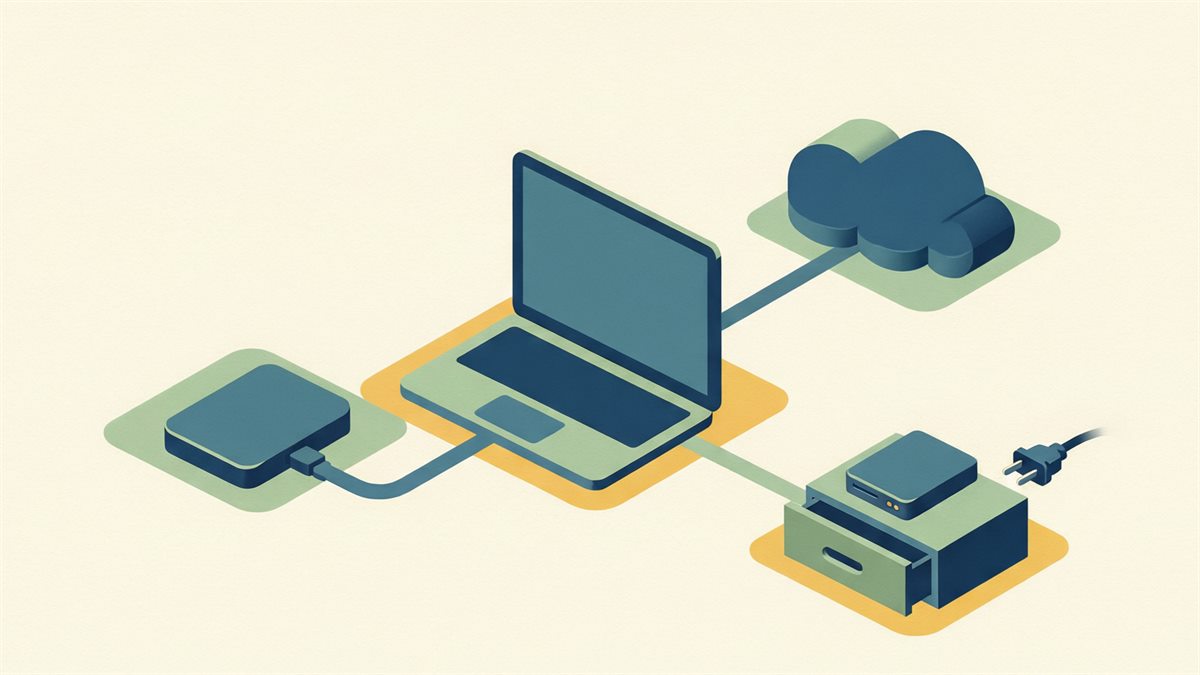
Losing photos or documents to a dead drive is one of the most avoidable tech disasters, and the fix fits in one setting hour. The industry standard is dead simple: 3 copies, on 2 different media, 1 of them off-site.
Why “I saved it on my laptop” is not a backup
One device means one failure point — a spill, theft, ransomware or a dying SSD wipes everything at once. A backup is a second and third independent copy that would survive the loss of any one of them.
The 3-2-1 in plain terms
- 3 copies total: your live file plus two backups.
- 2 different types: say, an external drive and the cloud — so a fault in one kind (drive death, or a cloud-account problem) does not take both.
- 1 off-site: the cloud copy, or a drive kept at a relative’s house, survives the house fire or theft that could take everything on-premises at once.
Set it up in one hour
Auto back up the whole machine
Built-in tools (system backup/restore utilities) can image the entire computer to a big external drive on a schedule. One-time setup, then forget it.
Sync the irreplaceable files to the cloud
Photos and documents go through a folder-sync service so new files upload on their own. This is the off-site copy doing itself.
Add a third for your most-critical items
A second external drive at another location, refreshed periodically, closes the ransomware-and-fire hole.
The step people skip: verify and restore-test
A backup you have never opened may be a folder of errors. Once a quarter, actually restore a couple of files. Silent failures are common, and the only thing that matters is a backup you have used, not one you configured.
Automate so it never depends on you
Manual backups get skipped on the day you need them. Every one of these steps has a built-in schedule — turn it on during setup so the habit is owned by software, not your memory.
Start cheaply
You do not need a NAS. A couple of external drives plus a modest cloud subscription is a textbook 3-2-1 setup for a normal household for a small monthly cost. Start with photos — they are the files you cannot recreate.
Related reads
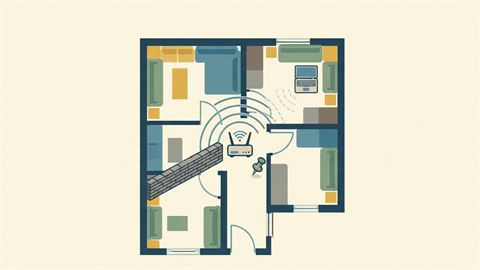
How to Fix a Slow Wi-Fi Connection at Home (Before Buying Anything)
The difference between a bad signal and a slow internet line, the router setting and placement changes that recover most speed for free, and when hardware actually helps.

How to Speed Up an Old Laptop Without Buying Anything
Seven free or near-free fixes — startup pruning, browser hygiene, a drive clean-up and thermal checks — that bring a sluggish laptop back to usable.

Private Browsing and Private Search: What Actually Protects You
The honest limits of incognito mode, why it does not hide you from your own network or the sites you visit, and the handful of real changes that do reduce tracking.